- Developer
- HungryStudio
- Installs
- 1B+
- Downloads
- 0
- Views
- 3
- Updated
- Oct 14, 2026
Screenshots
About Block Blast! for Android: Offline Play, Ads & Install Guide
Block Blast! by HungryStudio: how it plays, whether it works offline, what ads to expect and how to install the genuine game from Google Play safely.
Block Blast! for Android: Offline Play, Ads and How to Install the Real Game
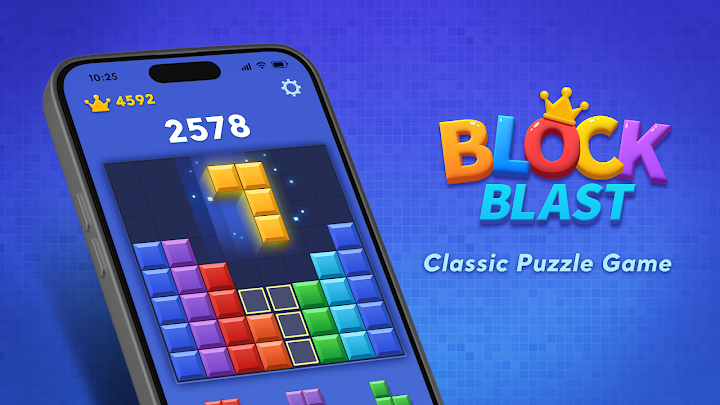
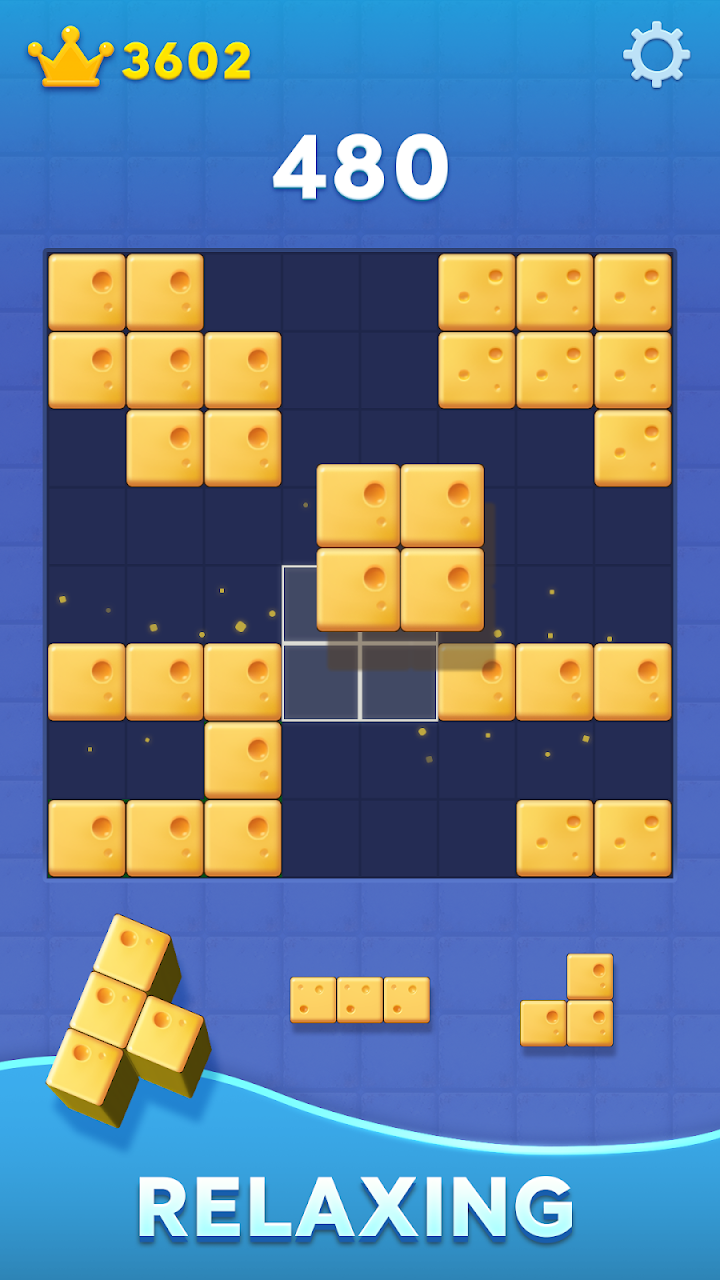
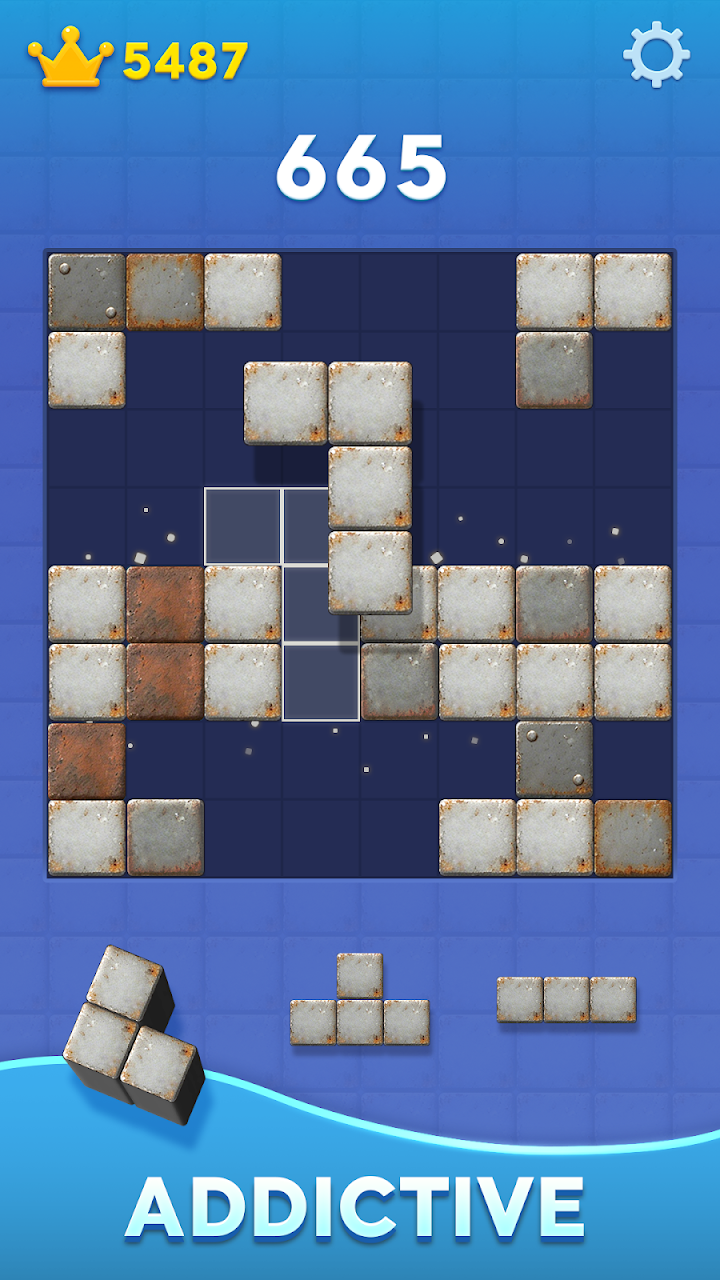
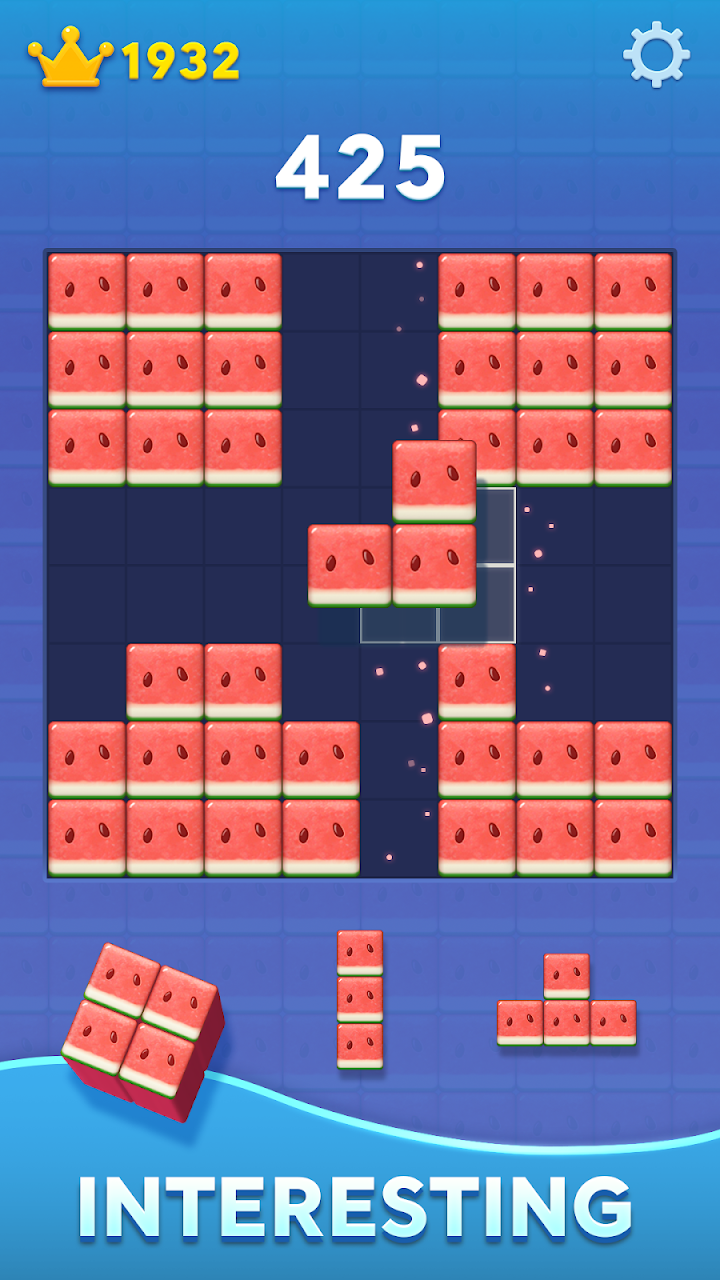
Block Blast! is a free block puzzle game from HungryStudio in which you drag pieces onto an 8x8 board and clear full rows and columns to build combos and chase a personal best. The developer's official site says it can be played offline, and the Android version is distributed through Google Play under the package ID com.block.juggle.
Several other apps use similar names, and search results for the game are crowded with modified APK sites. This guide covers what the game offers, what to expect from ads, how offline play works in practice, and how to install the right app from the right source. Details were checked on October 15, 2026.
Block Blast! at a glance
| Detail | Information | Source |
|---|---|---|
| Name | Block Blast! | Developer's site, app trackers |
| Developer | HungryStudio (Hungry Studio) | Developer's site, app trackers |
| Android package ID | com.block.juggle | Developer's site |
| Platforms | Android (Google Play) and iOS (App Store) | Developer's site |
| Price | Free to download; ads reported | Developer's site; third-party trackers |
| Version | 10.8.2 on one tracker, last updated October 8, 2026 | AppBrain (third party) |
| Download size | About 165.9 MB | AppBrain (third party) |
| Android requirement | Android 7.1 or later | AppBrain (third party) |
| Installs | About 1.1 billion, per trackers | AppBrain, AppGoblin (third party) |
| Rating | Around 4.8 out of 5; sources report between 4.7 and 4.85 | Developer's site, third-party trackers |
I could not open the live Google Play page while preparing this guide, so the version, size and Android requirement come from a third-party tracker and may be out of date. Trackers also disagree on the last update date (one says September 24, another October 8). Confirm the current figures on the Play listing for your device before relying on them.
How Block Blast! plays
The core rules are short. You drag blocks onto the 8x8 board, complete a row or column to clear it, and clear several lines at once for larger combos. The aim is to keep the board open for as long as possible. The description provided for this game says there are no opponents, and an independent download page describes it as having no time limit.
The listing also advertises daily puzzle challenges and new goals. The Android description does not name any game modes beyond that. The official site mentions adventure-style moments, and the App Store listing describes a separate Adventure Mode, so check inside the Android app to see exactly which modes your version includes.
Practical tips
These tips follow from the rules rather than from tested scores.
- Protect open space. A crowded board is the usual way a run ends, so avoid scattering single blocks across it.
- Look at the pieces you have to place before you move. A move that clears a line now can still leave the next piece with nowhere to go.
- Aim for multi-line clears. The description says clearing several lines creates bigger combos, which is where higher scores come from.
Does Block Blast! really work offline?
The developer's site and the Android description both say it can be played without an internet connection. That fits the basic design: placing blocks and clearing lines does not need a server. Ads and app updates are separate questions, and nothing I found says which parts of the game, if any, need a connection.
If you want to confirm it for your own phone, open the game once while connected, then switch on airplane mode and play a round. Third-party pages that quote exact megabytes of data used per hour are unsourced estimates, so use your phone's per-app data screen if the number matters to you.
Ads, purchases and the ad-free iOS version
Block Blast! is free to download. App trackers report that the Android version contains ads and in-app purchases, and the App Store listing also notes advertising. Confirm the current labels on Google Play, because they can change.
The developer's site says an ad-free, purchase-free edition called Block Blast!+ joined Apple Arcade on September 3, 2026. That edition is for Apple devices. I found no equivalent ad-free Android edition, so do not assume one exists.
Some third-party safety write-ups repeat user reports of ads sending people to unfamiliar websites. Those reports are anecdotal and I could not confirm them. If an ad opens an unexpected page, close it and do not enter personal details or install anything it offers.
Which Block Blast! is this? Avoiding look-alikes
The name is widely reused. Search results show other apps titled Block Blast or something close, including an iPhone app called "Block Blast: Block Puzzle" and an app with a different Android package ID on F-Droid. They are separate products and are not the HungryStudio game covered here.
To be sure you have the right one, check two things on the store page: the developer is HungryStudio, and the web address contains id=com.block.juggle.
Is Block Blast! available on Google Play right now?
It was listed on Google Play when this guide was prepared, according to the developer's site and several trackers. It is worth knowing that on May 28, 2026 the game disappeared from Google Play for roughly a day. Trade publications reported that the studio confirmed it was back afterward. No reason for the removal was given.
If the listing ever fails to appear for you, wait and try again rather than reaching for a file from an unknown site.
How to install Block Blast! from Google Play
- Open the Block Blast! listing on Google Play on your phone, or search for the name in the Play Store app.
- Confirm the developer is HungryStudio and the package ID is
com.block.juggle. - Check the current version, size and Android requirement shown for your device.
- Read the Data safety section.
- Tap Install, then open the game and try a round offline if that matters to you.
If Google Play says the game is not compatible, update the Play Store and Android first. Do not switch off Google Play Protect to force an installation. To update later, use the Play Store's app management screen or leave automatic updates on.
Why you should avoid modded APKs
Search results for the game include sites offering "MOD", "no ads" or "unlimited revive" versions. This guide did not open or verify any of those files, and a file name cannot prove who built it or what it contains. A modified copy is not the developer's game, and installing it removes the protection of the official store.
Privacy and safety
I could not read the Data safety section directly, so this guide does not report what the developer declares there. Read it on the Play page before installing, along with the privacy policy that the developer's site links to.
A third-party scan from September 2026 lists many advertising, mediation and analytics components in the Android app. That is consistent with an ad-supported game, and it is a tracker's scan rather than an audit. It is another reason to read the Data safety page yourself and to be cautious with the ads.
Who Block Blast! suits
It suits you if you want a calm, single-player puzzle you can open for a few minutes at a time, and you can live with ads.
You may prefer something else if you want an ad-free Android game, you dislike free games funded by ads and purchases, or you want multiplayer competition. On iPhone, the Apple Arcade edition is the ad-free option the developer describes.
More titles are listed in the Puzzle section and the wider Games section of this site, although few were available when this guide was written.
Frequently asked questions
Is Block Blast! free?
Yes, it is free to download. Trackers report ads and in-app purchases on Android, so check the Google Play listing for the current labels.
Can I play Block Blast! without internet?
The developer says it can be played offline, and core play does not need a server. Ads and updates need a connection, so test your own device in airplane mode.
Who makes Block Blast!?
HungryStudio, which appears on the official site as Hungry Studio. The Android package ID is com.block.juggle.
What Android version does it need?
One third-party tracker lists Android 7.1 or later. That figure is unconfirmed here, so check the Play listing, which shows whether your device is compatible.
Is there an ad-free version?
The developer's site announces Block Blast!+, an ad-free and purchase-free edition on Apple Arcade, which is for Apple devices. No ad-free Android edition was found.
Why did Block Blast! disappear from Google Play?
It was unavailable for about a day starting May 28, 2026 and was then restored. Reports say no reason was given.
Is it safe to download a Block Blast! APK from another website?
This guide does not recommend it. Many sites offer modified files, and none were verified here. Install from the Google Play listing instead.
Is Block Blast! good for kids?
The description provided for the game says there are no opponents, but it reportedly shows ads and offers purchases. A parent may want to review the ad and purchase settings on the child's device and check the age rating on the Play listing.
Bottom line
Block Blast! is a simple, widely played puzzle game that is best treated as a free, ad-supported way to pass a few quiet minutes. Install it from the Play listing with the package ID com.block.juggle, expect ads, test offline play yourself, and skip any modded file.
Disclaimer: AppGameGuide is an independent app-information website. Block Blast! is a third-party game published by HungryStudio. This article does not imply any affiliation with the developer. All trademarks belong to their respective owners. Details were checked on October 15, 2026 and may change.
⬇ Download Block Blast! for Android: Offline Play, Ads & Install Guide